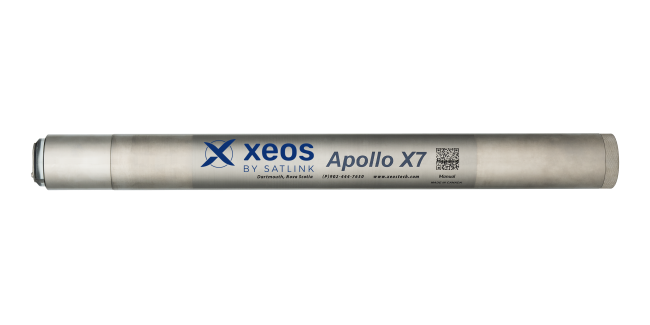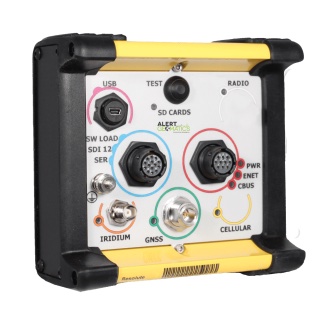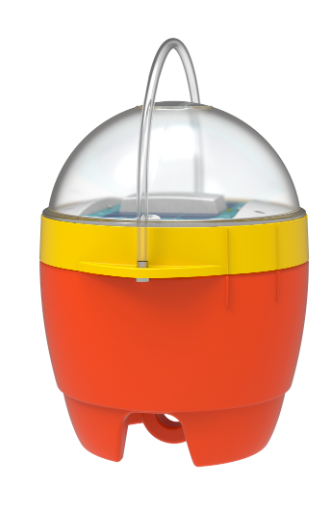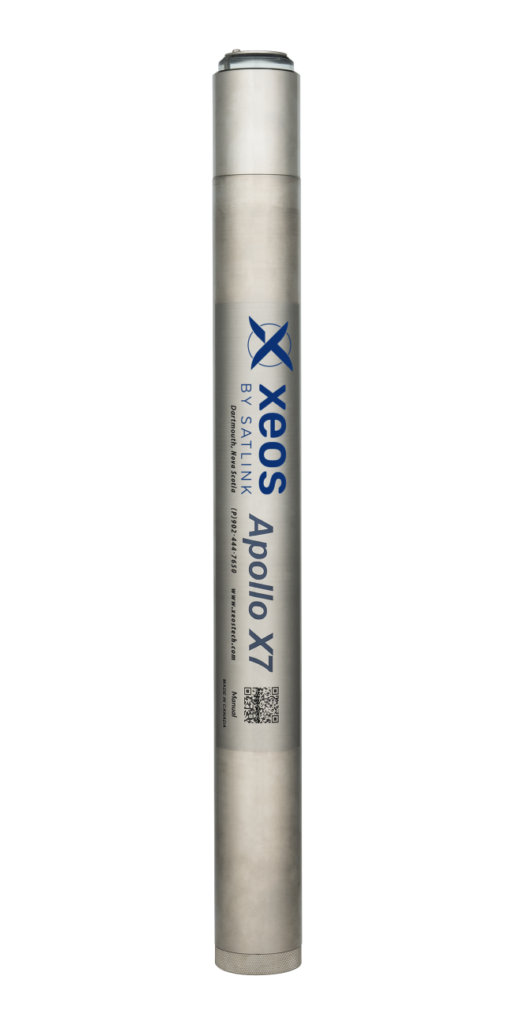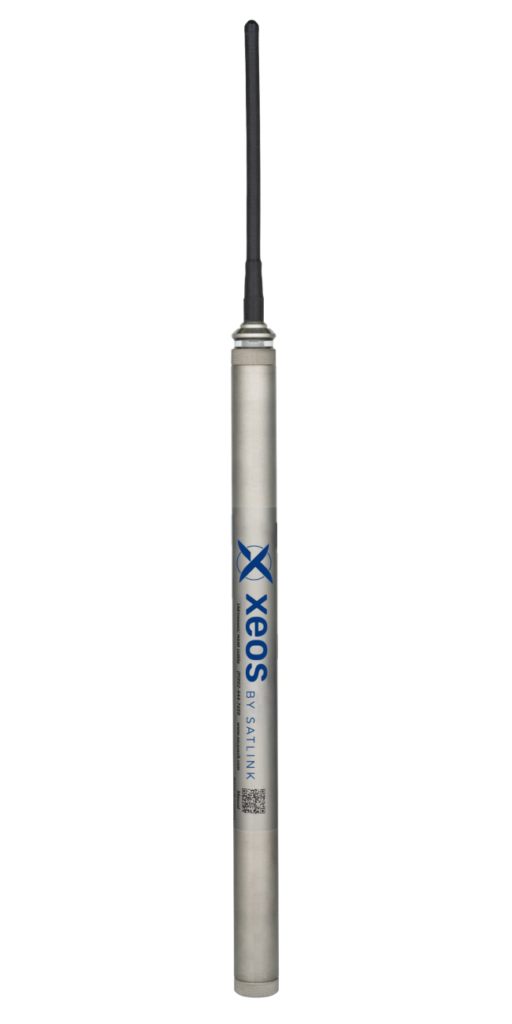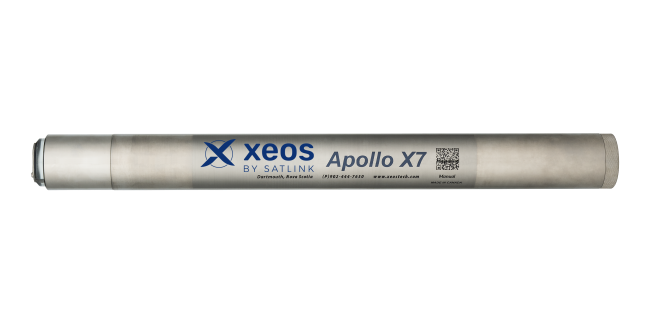

In this video, Xeos by Satlink discusses the Apollo X beacon series and outlines the key steps to get your system up and running. The guide applies to the Apollo X1, X3 and X7 beacons, covering activation, setup and configuration.
The video explains how to activate your beacon on an Iridium data plan, install the batteries correctly, and power on the device. It also demonstrates how to connect the beacon via Bluetooth to the ZOS Connect Android app, where users can configure GPS and Iridium message intervals, send commands, view data and check for firmware updates.
Designed for tracking underwater assets such as Autonomous Underwater Vehicles (AUVs), Remotely Operated Vehicles (ROVs) and sensor networks, the Apollo X beacon line delivers global, two-way communications via Iridium Short Burst Data. The range includes submersible, self-contained beacons and remote head options, with multiple depth ratings to suit a wide variety of marine platforms and missions.