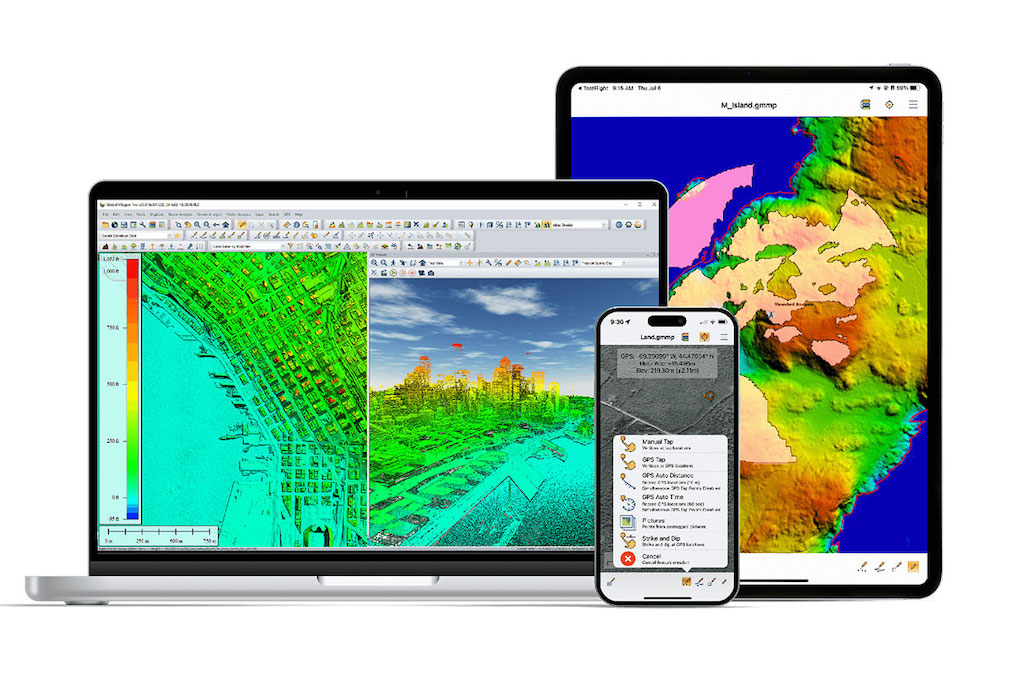

Blue Marble Geographics discussed Satellite-Derived Bathymetry (SDB) in Global Mapper® during a GEOTalks podcast episode with TCarta, which described its free global marine basemap and premium SDB datasets.
SDB uses aerial imagery to estimate shallow-water depth and can be incorporated into Global Mapper alongside elevation and imagery layers for coastal and hydrographic mapping, offering an alternative in situations where multibeam sonar or airborne laser bathymetry would involve higher survey costs over larger areas.
According to their website, TCarta’s Global Marine Basemap “offers a robust, engaging backdrop for GIS and mapping applications.”
Satellite Imagery and Bathymetry
Satellite imagery functions as raster data composed of individual pixels and is widely used in geospatial workflows. GIS software such as Global Mapper connects to online data sources that provide free and premium satellite imagery and other aerial-derived datasets. For coastal and hydrographic applications, TCarta’s Global Marine Basemap supplies satellite-derived bathymetry at no cost.
Types of Bathymetric Data
Several depth-measurement sources are used depending on project requirements:
- Satellite-Derived Bathymetry (SDB): Estimates depth in shallow-water areas using aerial imagery
- Multibeam Sonar (MBES): Often collected from an AUV and used to depict seafloor structure at high resolution.
- Airborne Laser Bathymetry (ALB): A lidar-based method with established limitations.
Visualizing SDB in GIS
One of the most accessible ways to visualize SDB with GIS software is to create a topobathy map, which represents land elevation and underwater terrain in a single surface.
Creating a Topobathy Map in Global Mapper
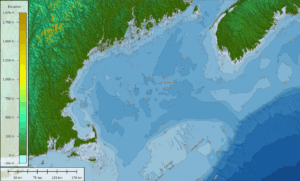
Topobathymetric map created from satellite-derived bathymetry and SRTM Elevation Data
A topobathy map combines elevation and bathymetry in a continuous view. In Global Mapper, users select a projection such as UTM and load elevation datasets like SRTM Worldwide Elevation Data or the World Topo Map from the Popular tab of the Connect to Online Data tool.
The TCarta Global Marine Basemap can then be added through the same interface.
After loading these layers, map styling can be adjusted. Selecting the SRTM layer in the Control Center opens the Lidar/Terrain Display Controls, where shaders such as the Global Shader can be applied. Switching to the World Topo Map provides an alternative labeled representation.
Selecting a Bathymetric Method
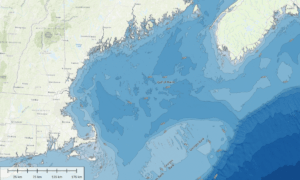
Topobathymetric map created from satellite-derived bathymetry and World Topo Map data
Appropriate bathymetry sources depend on accuracy needs and survey scale. MBES and ALB are widely used in hydrographic surveys and can produce detailed results, though they involve higher operational cost. SDB offers a lower-cost option for shallow-water depth visualization because it is derived from imagery rather than field acquisition.
The International Hydrographic Organization’s Satellite-Derived Bathymetry Best Practice Guide outlines recommended use. In the foreword, Mathias Jonas states, “[SDB] represents a potentially cost-efficient solution for covering very shallow waters. While SDB will not replace accurate acoustic or lidar survey(s) due to its known limitations, it can be used with great effect if those uncertainty constraints are well understood and managed.”
To learn more about satellite-derived bathymetry, visit Blue Marble Geographic’s website.